
Elevora Plan
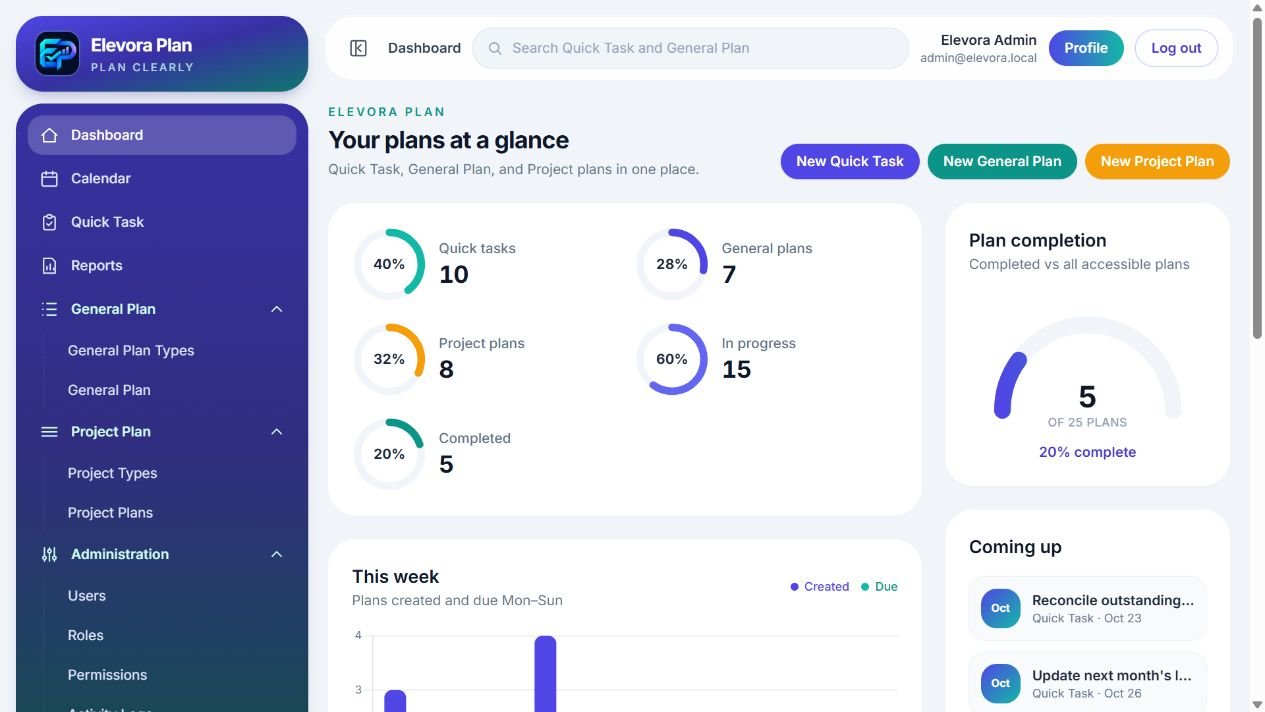
Bring daily tasks, team plans, and project milestones into one clear workspace, with Kanban boards, timelines, calendars, and reports ready to share.
Keep discussions, meeting agendas, attendance, minutes, approvals, and action follow-up connected in a private workspace with clear responsibilities.
Elevora Meeting gives Quick Discussions and General Meetings a structured home. Prepare an agenda, invite participants, record attendance separately from invitation responses, capture discussion points, and keep action follow-up attached to the session.
General Meetings include a minutes workflow with a secretary, member review, amendment resolution, and approval by the assigned chair. Numbered review and approval versions preserve the record of what was circulated and approved, while a separate action workspace follows current progress.
Organizers, recorders, secretaries, chairs, participants, and action owners have different responsibilities. Session access and document downloads require authentication and the appropriate access. Meeting dates and documents display Kuala Lumpur time, with in-app notifications and configurable email reminders supporting follow-up.
Use a lightweight discussion record or a formal meeting workflow with the appropriate session roles and lifecycle.
Prepare agenda items, manage invitations, and record attendance without treating an RSVP as proof of attendance.
Circulate minutes for member review, resolve amendment suggestions, and submit an exact version to the assigned chair.
Keep numbered review and approval snapshots, plus final discussion summaries and approved minutes.
Assign actions and deadlines, follow current status, and retain the history of progress updates and reassignment.
Download agendas, discussion summaries, and minutes through authenticated, access-controlled document routes.
Review in-app notifications and email delivery state. Configured background processes support upcoming-session, review, and overdue-action reminders.
Separate organizing, recording, reviewing, approving, and participant responsibilities, with checks against conflicting concurrent updates.
Keep agenda discussions, amendment decisions, and chair-approved minutes together in a traceable session record.
Capture a focused discussion, its participants, summary, and the next actions without a full formal minutes process.
Give action owners a personal follow-up view while organizers track deadlines, updates, and reassignment.
No. It manages discussion and meeting records, minutes review, approvals, and follow-up. Video calls and AI-generated minutes are not included in the current scope.
No. Invitation responses and the attendance register are separate so the session record reflects actual attendance.
Final summaries and approved minutes are preserved snapshots. Member review, amendment resolution, and chair approval create retained versions rather than silently replacing the approved record.
Current session and PDF access requires an authenticated account with access to the session. Public guest links are not part of the current scope.
Bring daily tasks, team plans, and project milestones into one clear workspace, with Kanban boards, timelines, calendars, and reports ready to share.
Explore a platform or talk through the software your organisation needs.